Path FilesETAssorted
0
Select Seller
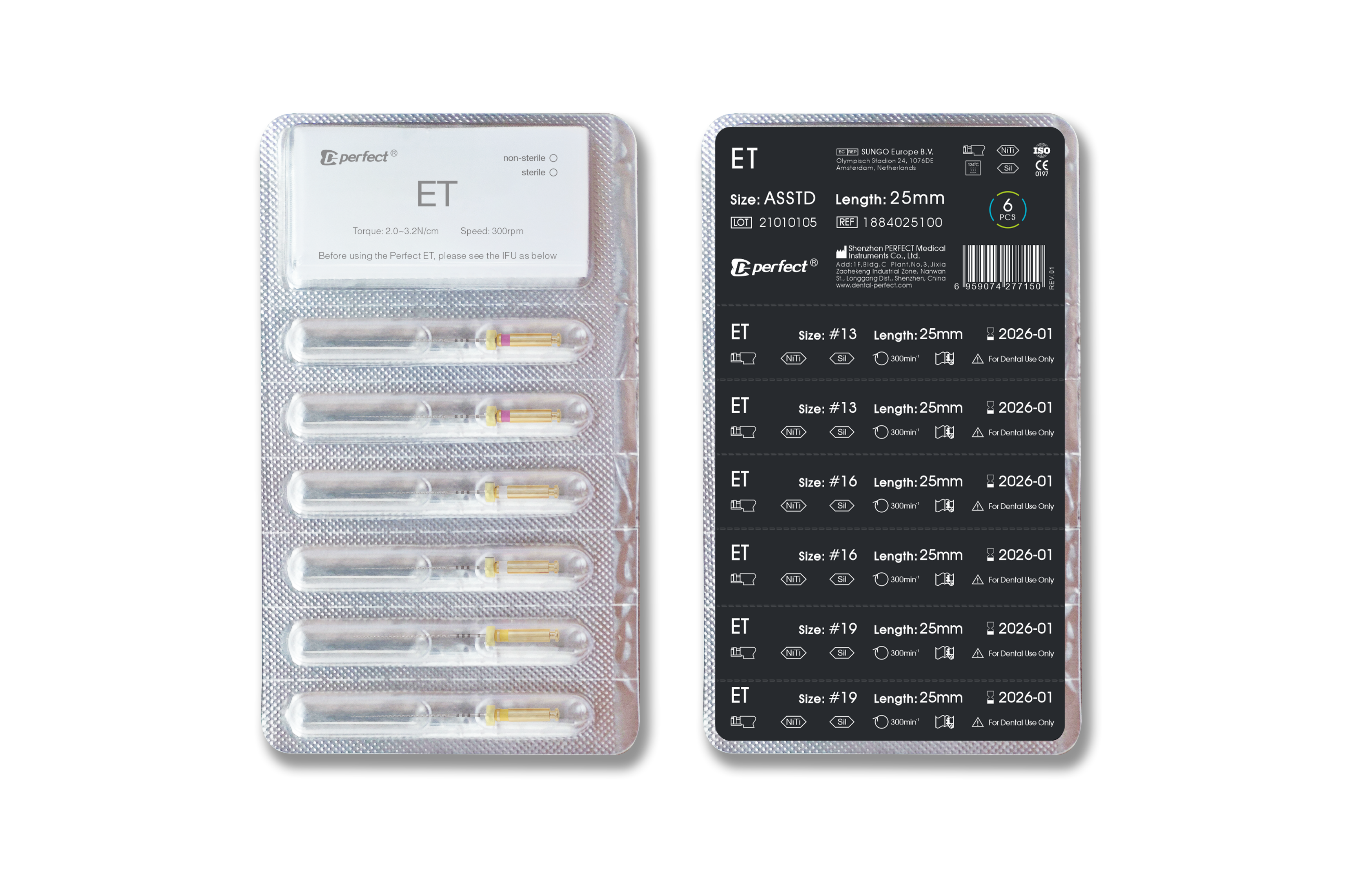
Kit assorted "13 02,16 02,19 02"
Create Initial Shape Using ET File & Establish Straight Line Acces
Negotiate a manual Glide Path with standard stainless steel K-File #08, #10 in the presence of ProLube® root canal conditioner.
Identify the working length with the #10 K file in combination with an Apex Locator followed by irrigation.
Use the ET File #13 to working length followed by irrigation.
Use the ET File #16 to working length followed by irrigation.
Use the ET File #19 to working length followed by irrigation.
Before starting the canal shaping with NiTi Rotary Shaping Files,confirm your working length with a #15 K file combined with an Apex Locator.
See More
Related Products
More from Seller
